
OOPS.
We couldn't find the URL you requested. Sorry about that!
All Complete Courses

In this series we’ll go for a spin and break down the principles of retopology for industrial designers who want to gain a better understanding of working with 3D scans. Using a 3D scan of a bicycle helmet, you’ll learn how to clean up the geometry into a real, workable model in MODO with the option of exporting to SolidWorks and elevating your manufacturable designs to the next level.

In this full course, industrial designer Adam O’Hern takes you from SolidWorks newbie to ninja with real-world techniques. Developed while teaching courses at universities and design offices, this course empowers product designers to use SolidWorks as a creative tool.

Welcome to brand spankin’ new MODO lighting series! This series centers around product photography. For this lighting series in particular, we’ll be going over the creation of assets, how to setup your scenes, and how to squeeze the most out of modo’s powerful rendering capabilities with strategic workflows.

Hold onto your nunchacku! In this SolidWorks 201 Training Series industrial designer Adam O’Hern elevates SolidWorks ninjas to even more lethal status with more real-world design techniques inspired by real-world processes. Whether you’re an aspiring design rockstar or an above-average Maker, this course empowers product designers of all kinds to use SolidWorks as a powerful creative tool.

Sharpen those chopsticks! In this SolidWorks 301 Training Series industrial designer Adam O’Hern continues to elevate SolidWorks ninjas to triple-kickflip-off-the-wall skills with even more real-world design techniques inspired by real-world processes. Whether you’re an aspiring design rockstar or an above-average Maker, here is yet another cadjunkie SolidWorks course that empowers product designers of all kinds to use SolidWorks as a powerful creative tool.

Over the next few weeks we will be building a fully functional flamenco-style guitar that is ready to be machined, assembled, and played! Starting in SolidWorks, we will build the model with accurate, precise measurements that will enable the guitar to sound like hot salsa to the ears if built and played.

Welcome to "MODO for Industrial Design 2011" training series. During the next fifteen weeks we'll be taking a closer look at MODO as a design(er) tool. We'll start from the beginning, explaining MODO's UI and familiarize ourselves with most common tools. Each week we'll dig deeper and build upon previously gained knowledge.

Welcome to the "SolidWorks Coffee Maker" video series. In this beginner series we'll be building coffee maker from scratch. We'll start by setting up our project and talk about a concept called "master model" which we'll also set up. From there we'll start adding details to our model and finish up by doing a simple render in MODO and creating drawings.
Archives


MODO is one of the most extensible tools around, and you don't have to be a coding aficionado to automate frequent tasks. Keep in mind that Macros are extremely simple, which means that they can’t have fancy logic and they can’t include interactive elements like paint selection, tool handles, etc.

In this weekly mini-series, we’ll be answering your burning SolidWorks questions with easily-digestible tips and tricks. Have a question you would like answered? Let us know!

In this series, we’ll be taking a look at the awesome new Sub-D Power Surfacing plug-in for SolidWorks and how it can be integrated into the traditional SolidWorks workflow.

In this series James Coleman takes you through the basics of setting up a photo studio lighting scene in Maxwell Render.

This rapid-paced series will get you on your way with getting started with sheet metal in SolidWorks.


Wood is one of those tricky materials to get right in modo. In this mini-series, we'll go over some fundamentals for getting up and running with wood in modo.


In this series we'll be looking at modo for modeling and rendering a simple architectural interior, complete with dimensional accuracy.

When using modo as a design modeling tool, it's often important to know if your model is within draft tolerance, or to find inconspicuous undercuts that can ruin your mold-making mojo. Let's look at a way of creating a draft analysis in modo.

Good 3D design technique is more than knowing which buttons to click in your favorite CAD system. In this section we look deeper into the theory underpinning great design.

Understanding mesh item centers in modo is critical to efficient file management, especially when dealing with complex scenes. Here we'll look at strategies for working with imported CAD data.


This series was designed specifically for a major corporate design team in order to get existing professional CAD users up and running with SolidWorks as quickly as possible.

There are effectively three ways of lighting in modo. We have environment maps, luminous polygons, and light items. We’ll take a look at what each of these mean and how even a subtle difference in the light type can drastically change the most subtle of light details.


In this quick beginner series, we'll walk through the process of modeling and rendering a virtual photograph, and composite it with a backplate photo.

Self-contained beginner modeling course designed when teaching a class at StudioArts in LA.
If you've never used SolidWorks before, this is the place to start. Here we'll introduce key concepts for quick and dirty modeling from the perspective of an industrial designer.
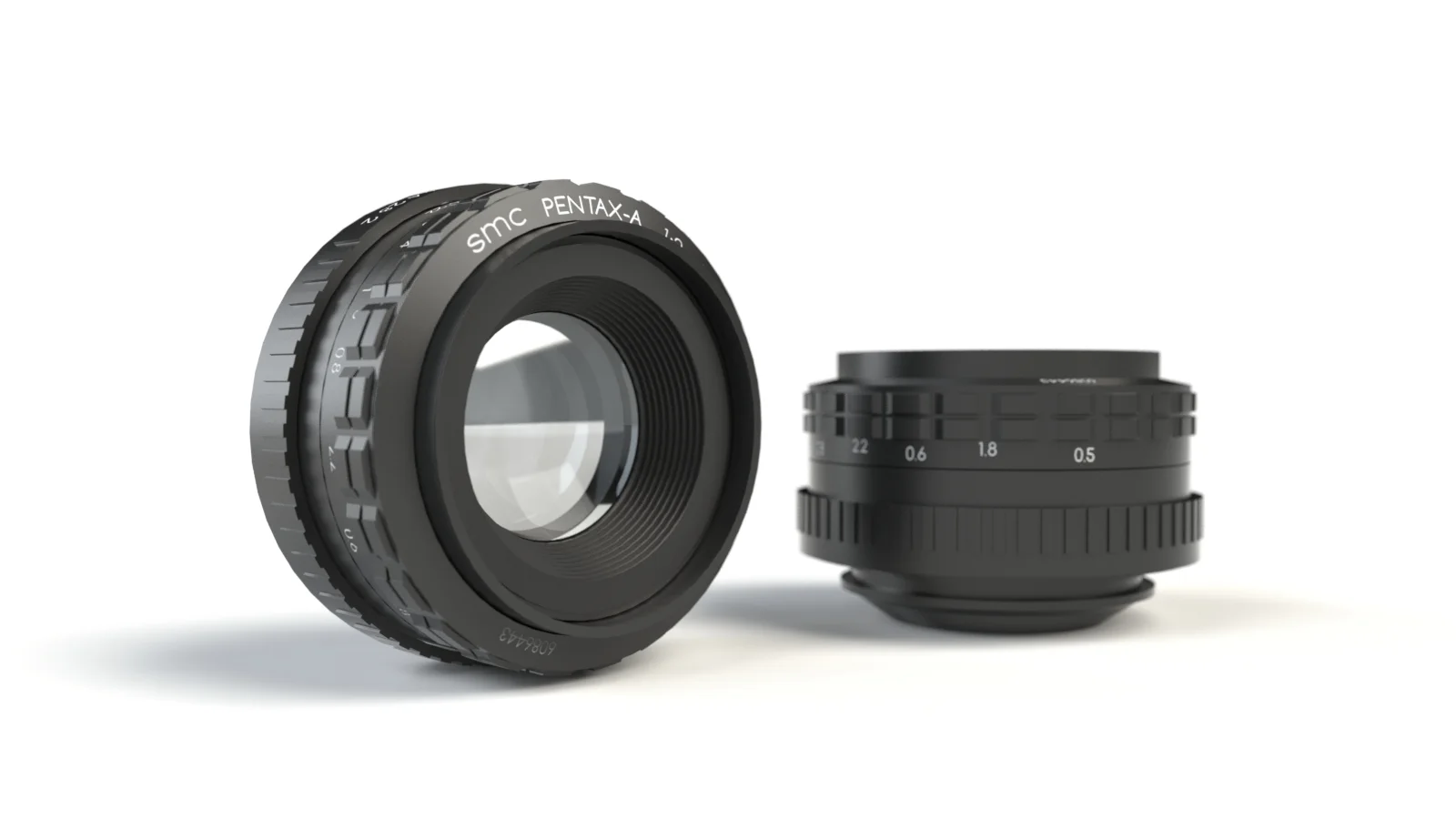
We’re beginning an epic journey into the heart of the SolidWorks jungle. Our subject is a 50mm lens for an old 35mm hobbyist camera called the Pentax ZX-M—which was the computer-controlled successor to the legendary manual Pentax K1000.


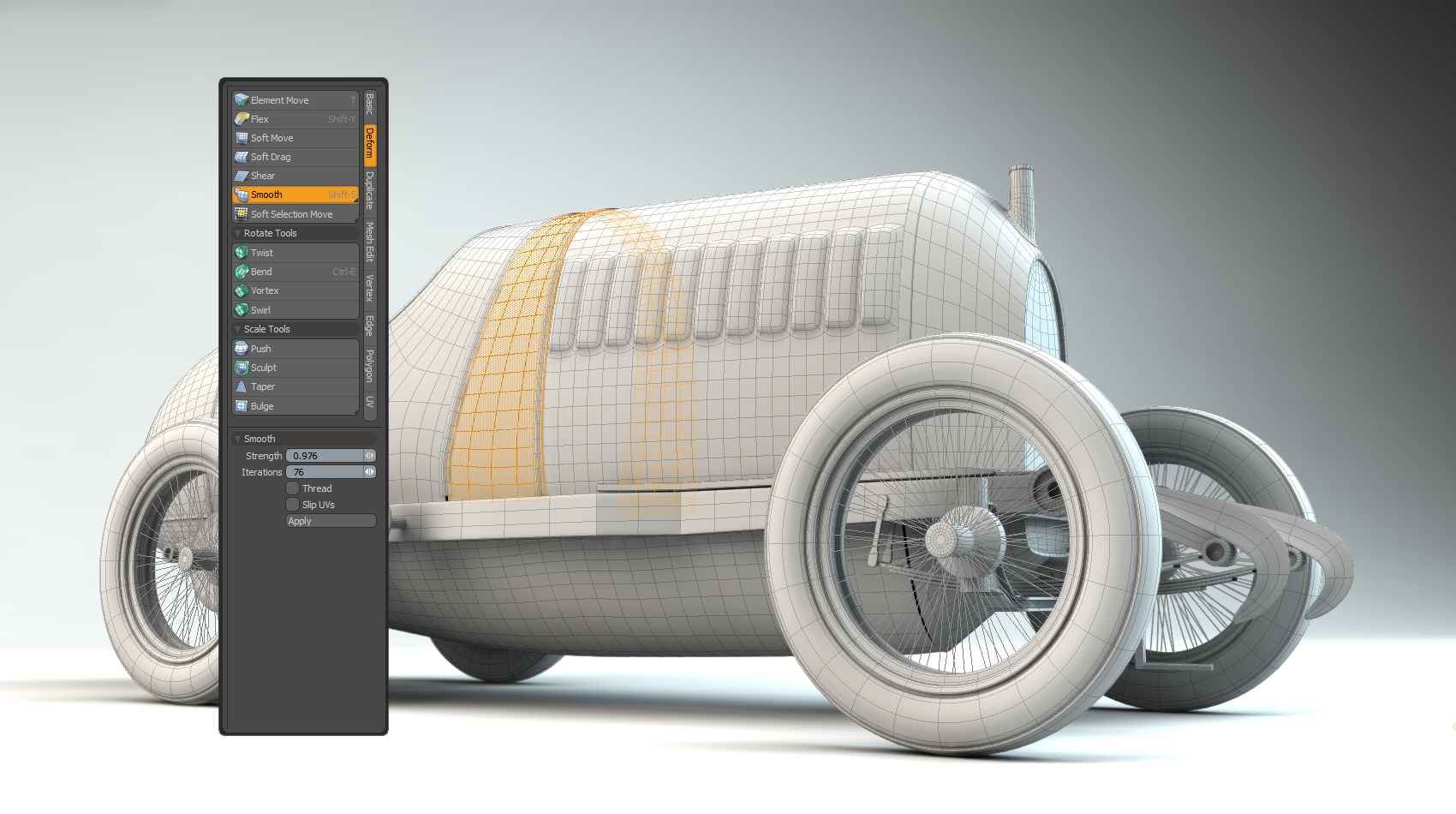
In this new series, we'll cover the groundwork of becoming a MODO Speed Demon through the process of modeling an old and somewhat-forgotten classic from scratch: the Fiat S76 automobile (AKA "The Beast of Turin"). In total, this zero-to-hero MODO modeling series packs a solid punch with 40 videos featuring over 7 hours of material. That's right - SEVEN hours!